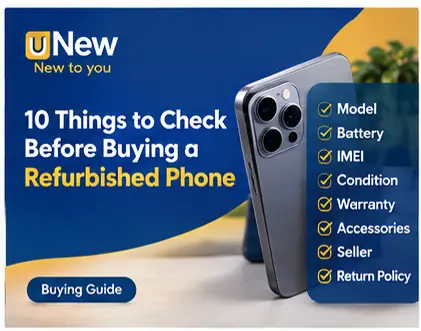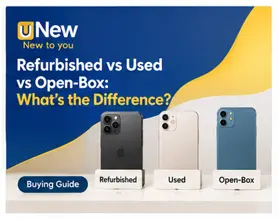
Buying refurbished products can be a smart way to get useful technology and other products at a lower price than buying new. But not every “refurbished” listing is the same. The seller, product condition, testing, warranty, return policy and invoice all matter.
Before buying a refurbished product, start by understanding exactly what you are purchasing.
A refurbished product is generally a previously owned, returned or opened product that has been inspected, tested, cleaned and, where necessary, repaired before being offered for sale again.
However, the level of refurbishment can differ between sellers. That is why buyers should read the individual product listing carefully instead of relying only on the word “refurbished.”
Look for information about:
A good listing should make the condition easy to understand before you place an order.
On a marketplace, the seller matters just as much as the product.
Look for the seller's business name, available contact information, ratings or reviews and other information provided on the platform.
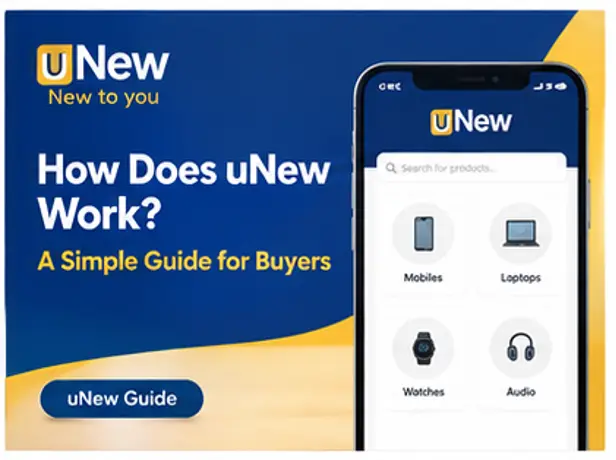
uNew is designed as a marketplace connecting buyers with registered business sellers, giving shoppers a more structured way to discover refurbished products.
Never assume that every refurbished product has the same warranty.
Check the product listing for:
If a listing does not clearly explain these terms, ask before purchasing.
A proper invoice gives you useful purchase documentation and can be important if you later need support or warranty service.
Keep your invoice, order confirmation and any relevant communication after purchase.
For phones, tablets and other connected devices, check identifying information such as the IMEI or serial number where appropriate.
For laptops, check specifications such as:
When the package arrives, record the unboxing continuously.
Show:
This creates useful evidence if there is a genuine issue with the order.
The cheapest listing isn't automatically the best value.
Compare the complete offer:
Price + condition + warranty + seller + accessories + return terms
A slightly more expensive product may offer substantially more clarity and protection.
The goal isn't to avoid refurbished products. It is to understand exactly what you are buying.
At uNew, we want buyers to compare products based on condition, seller information, pricing and applicable policies rather than simply choosing the cheapest listing.
Shop smart. Know the product. Know the seller. Know the terms.



You need to Sign in to view this feature

This address will be removed from this list
 english